Discussion room
Step through a sample discussion, watch statements become suggestions in the notes, correct the decision, and review the document.
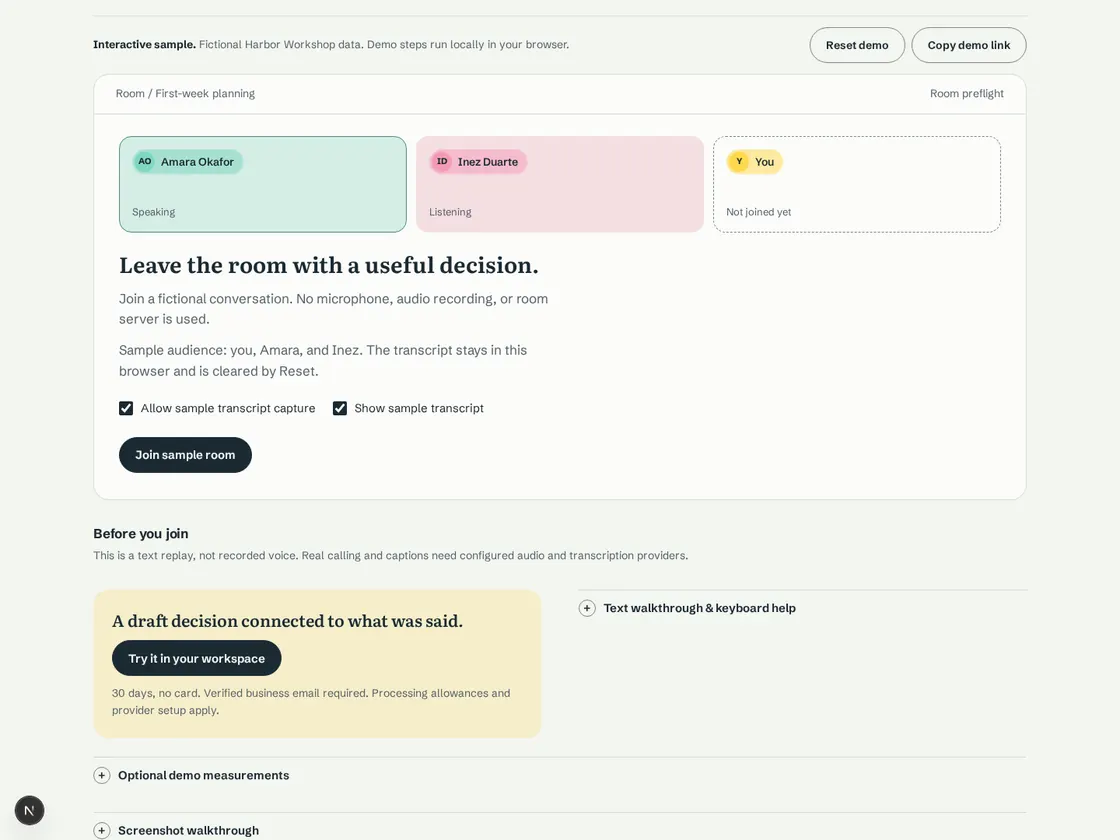
- Amara OkaforSpeaking
- Inez DuarteListening
- YouNot joined yet
Leave the room with a useful decision.
Join a fictional conversation. No microphone, audio recording, or room server is used.
Sample audience: you, Amara, and Inez. The transcript stays in this browser and is cleared by Reset.
A draft decision connected to what was said.
Try it in your workspace30 days, no card. Verified business email required. Processing allowances and provider setup apply.Text walkthrough & keyboard help
- Join a text-only sample room and choose capture consent.
- The conversation is already under way. Advance the last labeled statement and watch it become a suggestion beside the transcript, or add a local typed message.
- Correct the candidate decision, accept or dismiss each suggestion, and save a reviewed draft with its transcript evidence.
Use Tab to move between controls, Enter or Space to activate buttons, and arrow keys in lists. Every drag interaction has a button alternative. Reset clears only this sample.
Optional demo measurements
Help improve these samples by sending the completed demo name and a random, single-use receipt to LiveWiki. Counts are aggregated by day. Your typed text, account and document data stay out of this request. Completion counts do not identify unique visitors.
Screenshot walkthrough
Actual screenshots of this interactive sample. Use the still frames at your own pace, or play the optional animated WebP.
Static frames respect reduced-motion or data-saving preferences.