Drop to document
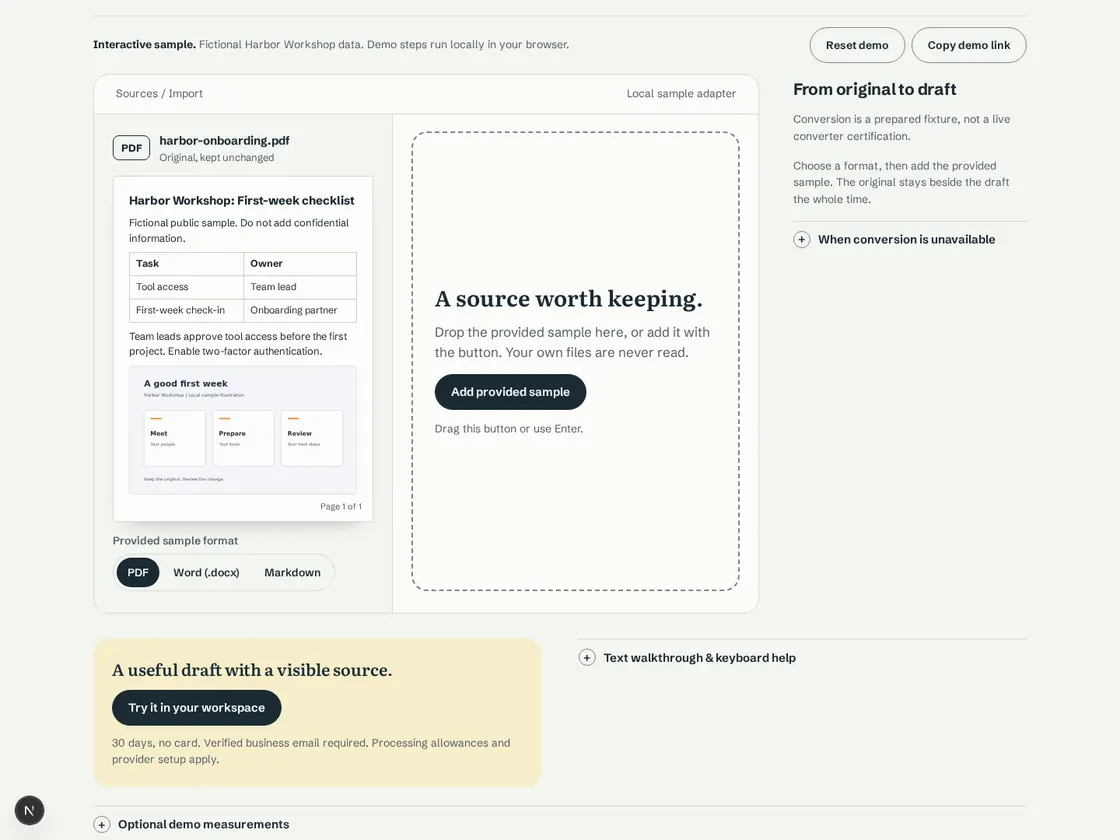
Inspect a sample conversion, resolve a table, and keep the original.
Harbor Workshop: First-week checklist
Fictional public sample. Do not add confidential information.
| Task | Owner |
|---|---|
| Tool access | Team lead |
| First-week check-in | Onboarding partner |
Team leads approve tool access before the first project. Enable two-factor authentication.
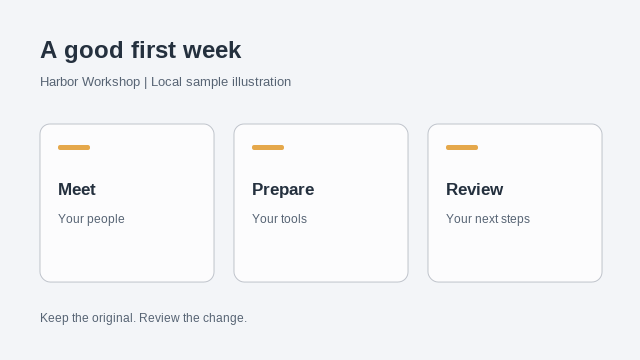 Page 1 of 1
A source worth keeping.
Drop the provided sample here, or add it with the button. Your own files are never read.
Drag this button or use Enter.A useful draft with a visible source.
Try it in your workspace30 days, no card. Verified business email required. Processing allowances and provider setup apply.Text walkthrough & keyboard help
- Add the provided sample. Real files are not accepted.
- Inspect the extracted table and correct its uncertain cell.
- Choose a subject and create a sample draft. The original stays available.
Use Tab to move between controls, Enter or Space to activate buttons, and arrow keys in lists. Every drag interaction has a button alternative. Reset clears only this sample.
Optional demo measurements
Help improve these samples by sending the completed demo name and a random, single-use receipt to LiveWiki. Counts are aggregated by day. Your typed text, account and document data stay out of this request. Completion counts do not identify unique visitors.
Screenshot walkthrough
Actual screenshots of this interactive sample. Use the still frames at your own pace, or play the optional animated WebP.
Static frames respect reduced-motion or data-saving preferences.